
How to Set Up a Self-Hosted Email Marketing Software Step by Step
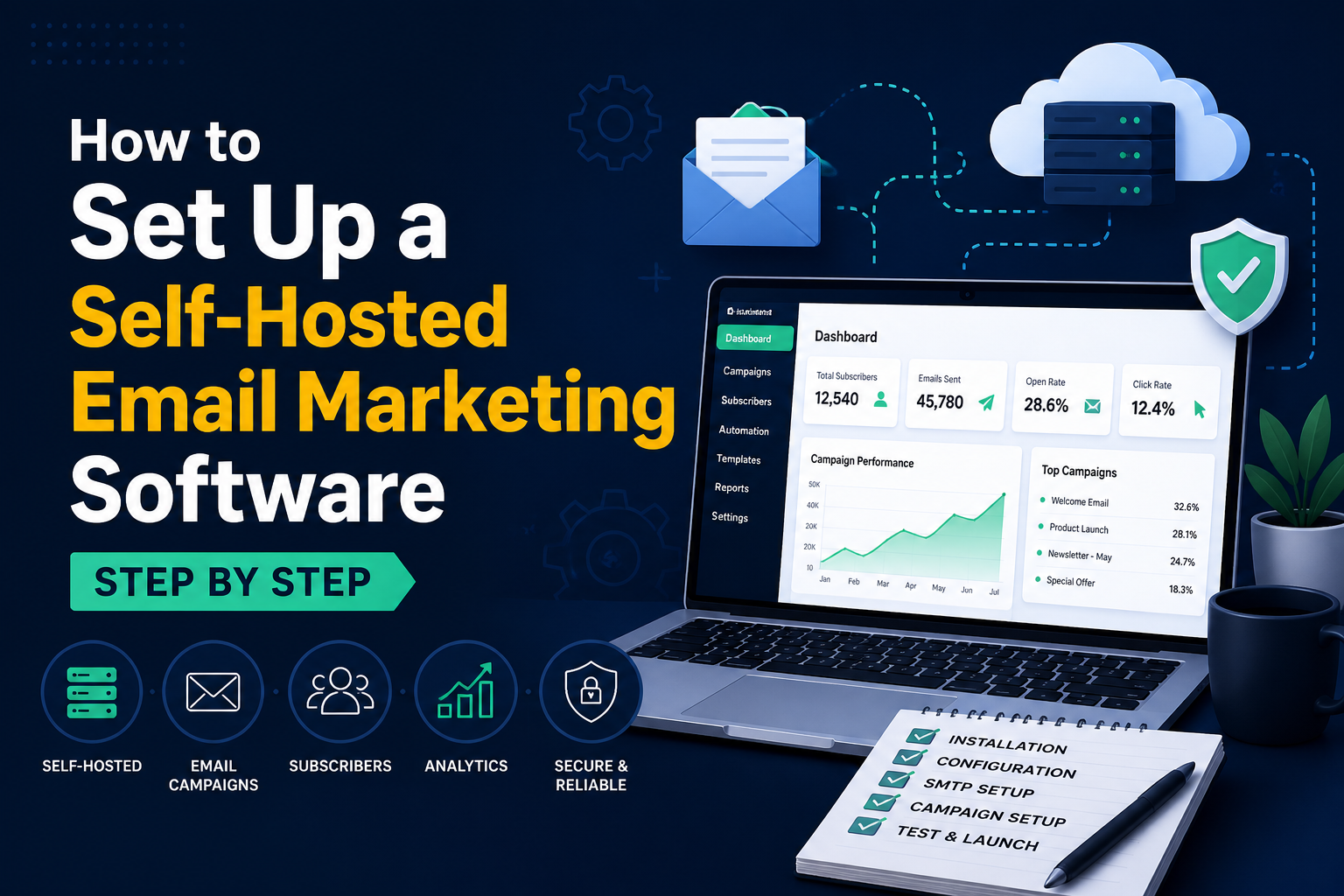
Self-hosted email marketing software gives organizations full control over their email campaigns, data, and infrastructure. Whether you are motivated by privacy, cost savings, customization, or compliance, running an on-premise or privately hosted system can be a strategic advantage. This guide walks through the main benefits, technical requirements, deliverability considerations, and recommended best practices to help you evaluate and implement a self hosted email marketing software solution.
Why Choose Self hosted Email Marketing Software?
There are several reasons companies select self hosted email marketing software over cloud SaaS platforms:
- Data ownership and privacy: All subscriber data remains in your environment, reducing exposure to third-party data access and simplifying GDPR or HIPAA controls.
- Cost predictability: For high-volume sending, licensing or one-time purchase models for self hosted solutions can be cheaper than per-email cloud pricing.
- Customization and integration: Self hosted systems allow deep customization, integration with internal CRMs, single sign-on, and bespoke automation flows.
- Performance control: You control server resources, database tuning, and can scale on your terms to optimize throughput and deliverability.
Top Open-source and Commercial Email Marketing Software Options
Popular solutions span open-source projects to paid, installable platforms. Evaluate each by feature set, community support, and ecosystem:
- Mautic (open-source): Highly customizable marketing automation with email builders, segments, campaign workflows, and API access. Strong community and plugins.
- Mailwizz (commercial): Focused on email campaign management and list segmentation. Offers billing modules, multi-tenant capabilities, and SMTP integration.
- Sendy (commercial): Lightweight interface built for Amazon SES as an SMTP relay—cost-effective for large volumes.
- Postal and Haraka (SMTP servers): Not full marketing apps but useful when you want to manage your own SMTP stack alongside campaign software.
Technical Requirements for Self-Hosted Email Marketing Software
Before deploying a self hosted email marketing software stack, confirm the following technical needs:
- Server and OS: A Linux-based VPS or dedicated server is common. Plan CPU, memory, and storage based on recipients and expected concurrency.
- Database: MySQL/MariaDB or PostgreSQL support depending on the platform. Ensure backup and replication strategies.
- Web server and PHP/Node: Most marketing apps require Apache/Nginx and PHP or Node.js runtime. Monitor resource use for campaign building and reporting.
- SMTP relay and IP management: Decide whether to run your own MTA (Postfix, Exim) or use a relay (Amazon SES, SparkPost, Mailgun). IP warming and reputation management are critical.
- Security: TLS for web and SMTP, firewall rules, intrusion detection, and regular patching.
Deliverability and Reputation When Using Self-Hosted Email Marketing Application
Deliverability is often the biggest challenge for organizations running their own infrastructure. To maintain inbox placement and reputation:
- Authenticate emails: Configure SPF, DKIM, and DMARC records for your sending domains. These are essential trust signals for ISPs.
- IP warm-up: If using a dedicated IP, gradually increase sending volume to build sender reputation. Sudden spikes can trigger blocks.
- Monitor bounces and complaints: Implement feedback loops where possible and actively remove hard bounces and complainers from lists.
- List hygiene and segmentation: Use double opt-in, clean lists regularly, and segment by engagement to send targeted content.
- Throttling and connection management: Tune MTA concurrency and retry policies. Respect recipient server limits to avoid greylisting.
Automation, Personalization, and Analytics in a Self-Hosted Environment
Modern self hosted email marketing software supports automation workflows, dynamic personalization, and analytics. When evaluating platforms look for:
- Visual campaign builders: Drag-and-drop editors and workflow designers reduce development time for automation.
- Personalization tokens and conditional content: Merge fields, liquid templates, or handlebars let you tailor messages by user attributes and behavior.
- Event tracking and conversion attribution: Track opens, clicks, page visits, and conversions using pixel tracking, UTM parameters, or event APIs.
- A/B testing: Native split testing capabilities for subject lines, send times, and creative content.
Security, Compliance, and Backup Strategies
When hosting your own email marketing platform you inherit responsibility for protecting subscriber data and meeting legal requirements:
- Encryption: Encrypt data at rest and in transit. Use TLS for web interfaces and SMTP; store backups encrypted.
- Access control: Implement role-based access, two-factor authentication, and audit logging for administrative actions.
- Data retention and deletion: Provide workflows to honor unsubscribes, right-to-be-forgotten requests, and retention policies.
- Backups and disaster recovery: Schedule regular DB and file backups, test restores, and consider multi-region replication for critical datasets.
Cost Comparison: Self-Hosted vs SaaS Email Marketing
Choose a deployment model by comparing expected costs across variables:
- Upfront and ongoing fees: Self hosted may have one-time license or open-source costs, server fees, and maintenance overhead versus recurring SaaS subscription charges.
- Sending costs: If you run your own SMTP, factor in bandwidth and IP reputation management; relays like Amazon SES charge per email but reduce infrastructure complexity.
- Operational expenses: Staffing for system administration, security, and deliverability monitoring can be significant.
For many high-volume senders or privacy-sensitive organizations, the long-term total cost of ownership favors self hosted email marketing software.
Best Practices Checklist for Deploying Self-hosted Email Marketing Software
To increase your likelihood of success, follow this practical checklist:
- Choose a platform that matches your feature needs (automation, segmentation, API access).
- Plan server sizing with growth projections and implement monitoring.
- Use a trusted SMTP relay or properly configured MTA and plan IP warm-up.
- Configure SPF, DKIM, and DMARC for every sending domain.
- Implement double opt-in, list hygiene, and suppression lists for bounces and complaints.
- Encrypt backups and implement role-based admin access and 2FA.
- Regularly review analytics to optimize sending cadence, subject lines, and content.
Common Pitfalls and How to Avoid Them
Teams new to self hosting often encounter repeatable issues. Avoid these mistakes:
- Neglecting deliverability: Not setting up authentication records or ignoring complaint rates will damage reputation.
- Underestimating maintenance: Patching, monitoring, and troubleshooting require dedicated time and expertise.
- Poor list practices: Buying lists or sending to cold contacts causes high bounce and complaint rates, never send to unverified lists.
- Insufficient backup planning: Data loss can be catastrophic. Test restore processes regularly.
Migration Tips: Moving from SaaS to Self-hosted Email Marketing Software
When migrating from a cloud provider, plan the migration in phases:
- Export and validate subscriber data, consent timestamps, and suppression lists.
- Recreate templates and automation flows in the new platform; test thoroughly in a staging environment.
- Start with low-volume, highly engaged segments to validate deliverability and template rendering.
- Monitor ISP feedback and gradually increase sends while warming IPs.
Is Self-Hosted Email Marketing Software Right for You?
Self hosted email marketing software offers unmatched data ownership, customization, and potential cost savings for the right organizations. However, it requires disciplined deliverability practices, operational resources, and a clear security and compliance plan. Evaluate your sending volume, privacy needs, and internal capabilities. If you have the technical
Control Your Deliverability and Data
Choosing self hosted email marketing software gives you full control over deliverability, privacy, and costs. Unlike cloud platforms, a self-hosted solution lets you manage infrastructure, authentication (SPF, DKIM, DMARC), and compliance while optimizing sending rates and reputation.
Top Benefits
- Data ownership and privacy: keep customer data on your servers and meet stricter compliance needs.
- Lower long-term costs: avoid per-subscriber fees and scale affordably.
- Customizability: tailor templates, workflows, and integrations to your stack.
- Improved deliverability control: manage IP warm-up, throttling, and bounces directly.
Key Features to Look For
- SMTP and API support for reliable sending.
- Segmentation and dynamic personalization for higher engagement.
- Automation workflows and scheduling for triggered campaigns.
- Analytics and reporting: opens, clicks, bounces, and deliverability metrics.
- Multi-tenant or multi-domain support if you manage multiple brands.
Implementation Tips
- Set up SPF, DKIM, and DMARC to build trust with ISPs.
- Warm up sending IPs gradually to avoid blocks.
- Validate and clean lists regularly to reduce bounces and spam complaints.
- Monitor feedback loops and adjust sending patterns based on engagement metrics.
- Automate unsubscribe handling and manage suppression lists centrally.
Recommended Open-Source & Self-Hosted Options
Consider platforms with strong communities and active maintenance. Look for modular architectures that separate sending, templates, and analytics for easier scaling.
When to Choose Self-Hosted
Self hosted email marketing software is ideal if you require strict data control, predictable long-term costs, or deep customization. If you lack server expertise, consider managed self-hosted providers or hybrid approaches.
Ready to switch? Evaluate solutions based on deliverability controls, security, and total cost of ownership. For a tailored recommendation, compare features and run a small pilot to validate deliverability and performance.
resources and strategic need to control your email infrastructure, a self-hosted solution can deliver powerful benefits while preserving subscriber trust and long-term deliverability.
Start by selecting a platform like Relayzo that aligns with your priorities, commercial for a quicker path to features—and follow the technical and operational checklists above. With proper setup and ongoing management, self hosted email marketing software can be a reliable, private, and scalable foundation for your email communications.
Recent Posts
-
 Self-Hosted Email Marketing in 2026: A Complete Guide to Infrastructure, Deliverability, and Automation
 -
 How to Set Up a Self-Hosted Email Marketing Software Step by Step
 -
 Is Email Marketing Dead in 2026? Here's the Truth You Need to Know
 -
 Why Mass Email Marketing is Thriving? Insights and Tips for Success
 -
 Unlock Unlimited Email Sending with Self-Hosted Email Marketing Software
 -
 Everything You Need to Know to Set Up an Email Marketing Server
 -
How Relayzo Helps Businesses Reduce Email Marketing Costs with Self-Hosting
-
 Top Benefits of Using an Email Marketing Automation Platform for Business Growth
 -
 Boost Your Email Deliverability with a PowerMTA-Powered Email Marketing Platform
 -
 How Businesses Scale Email Campaigns Using a Self-Hosted Email Marketing Application
 -
 Self Hosted Email Marketing Application for Growing Businesses That Value Privacy
 -
 Why is Self-Hosted Email Marketing Software Built for Scale?
 -
 Catchy Email Subject Lines to Improve High Volume Email Marketing Results
 -
 Best Practices for Managing Large Email Lists on a Self-Hosted Platform
 -
 How to Run High-Volume Email Marketing Without Hurting Deliverability
 -
 10 Email Marketing Strategies Every Business Should Use in 2025
 -
 7 Tips to Write Catchy Email Subject Lines
 -
 How to Use a Self-Hosted Email Marketing Application to Grow Your Leads
 -
 How Self-Hosted Email Marketing Helps You Cut Monthly SaaS Costs
 -
 How Self-Hosted Email Marketing Improves Privacy and Data Ownership